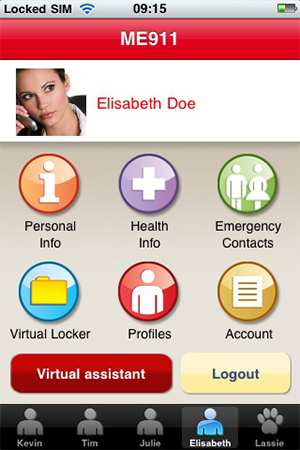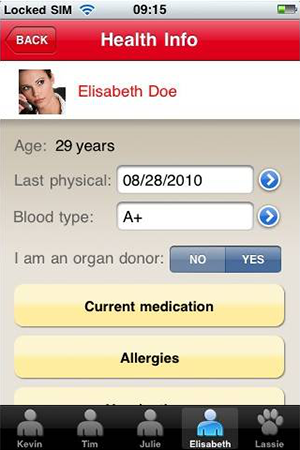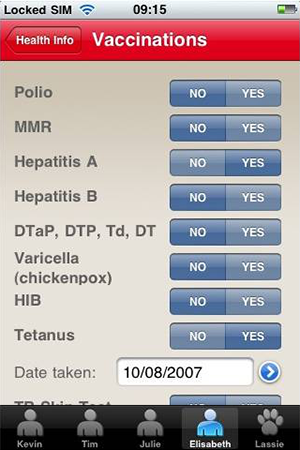
Did you know?

In case of an emergency, first responders are trained to look for identification in your wallet and on your wrist, and even check your cell phone for listed ICE (In Case of Emergency) contacts.

Questions?
1.866.954.6364

M-F, 8am - 6pm, PST


Security Information

To access ME911, your browser must use 128-bit encryption. Should you need to
upgrade your browser, the link to Microsoft provided below is for your use in downloading
a 128-bit encryption upgrade. Medical Envelope is not responsible for and does not
endorse the content and browser update process provided by this website.

What is Encryption?

Encryption scrambles data into unintelligible characters based on a secret key. Encryption increases the level of security for the information you send from your browser over the Internet to the ME911 website. Most browsers support a minimum level of 40-bit encryption, as well as a stronger 128-bit encryption level.

The ME911 website supports 128-bit web browser encryption. Even though we use the more secure 128-bit encryption, there is a certain amount of risk involved in any Internet communication, and ME911 cannot guarantee the privacy and confidentiality of information exchanged in this manner.

If you would prefer to contact us by phone, you can call Member Services at:
(866) 94-HLPME.

How can you upgrade your browser to 128-bit encryption?

The link to Microsoft provided below can be used to download a 128-bit encryption upgrade.

Microsoft Internet Explorer link:

http://www.microsoft.com/windows/ie/download/128bit/default.asp Please note: ME911 is accessible using Internet Explorer Version 5.0 or higher. Microsoft requires the installation of the "High Encryption Pack" when using Internet Explorer 5.5 with an operating system that does not use Windows 2000.

Are there any other technical requirements for using ME911?

  • Your browser must be configured to enable cookies (this is the default setting for version 4.0 or higher browsers). If you would like additional information on how we use cookies, please refer to our Privacy Statement.

  • Your browser must be configured to enable JavaScript (this is the default setting for version 4.0 or higher browsers).

  • Your screen resolution should be set to 800 x 600 pixels (this is optional, but recommended).